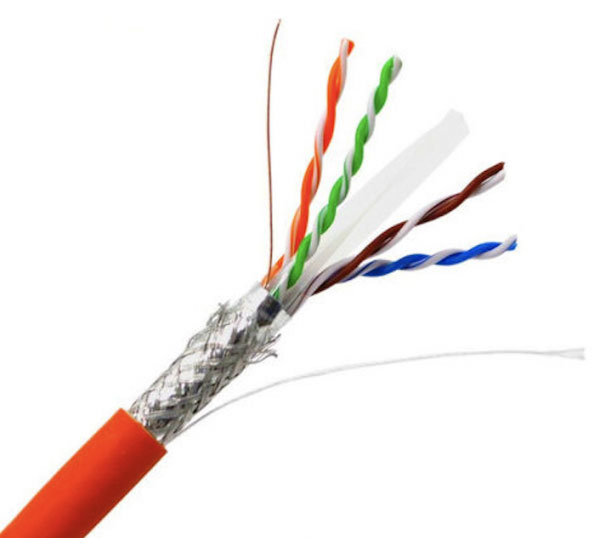
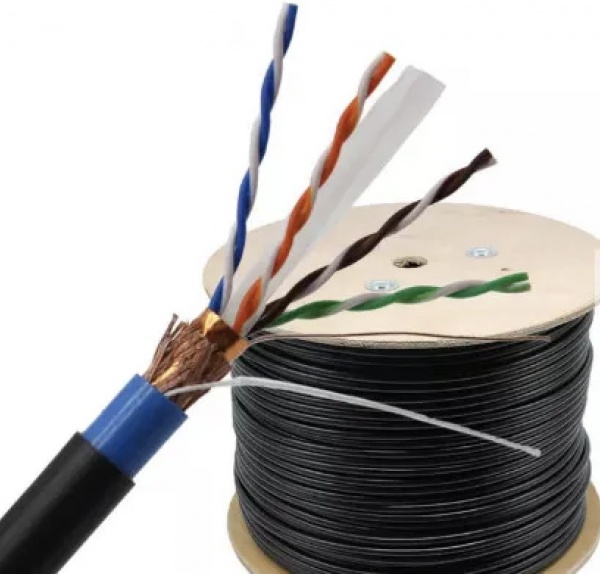
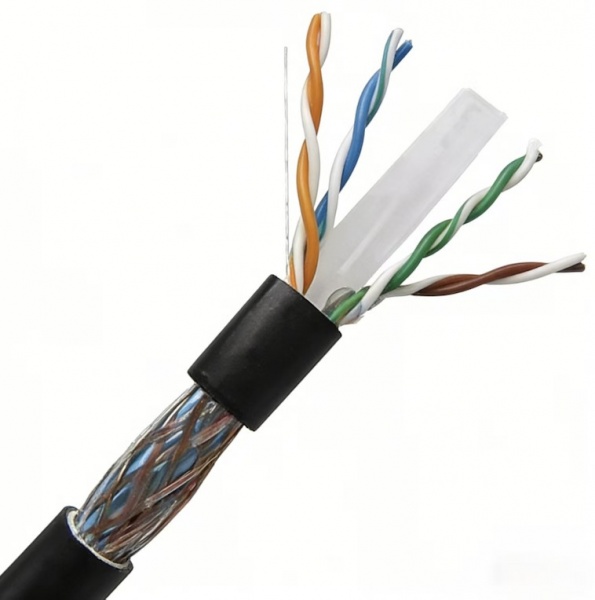
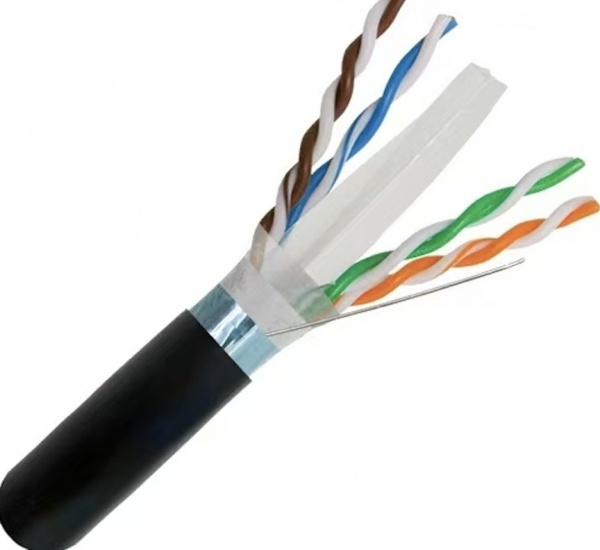
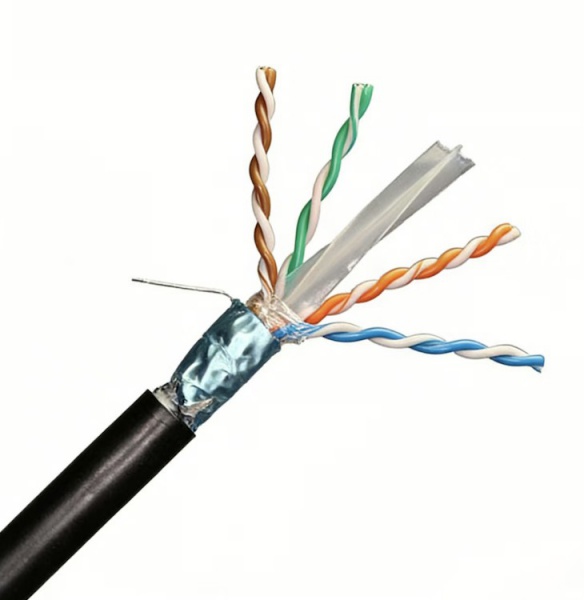
图片展示
English
  • 繁體中文
  • English
  • عربي
  • Русский язык
  • română
  • Português
  • Türkçe
  • Español
  • Italiano
  • IndonesiaName
  • Tiếng Việt

Related Products

Extension Usb Printer Cable 26AWG Shielded High Speed Cable 2.0

1. Place of Origin: China
2. Brand Name:Hoton Link
3.Minimum Order Quantity:1000pcs
4. Delivery time:5-25 Days
5.Payment Terms: 30%TT as deposit,70%Balance before shipping.

Extension Usb Printer Cable 26AWG Shielded High Speed Cable 2.0

Select the number of specifications

Please check the product information you want!

Product Detail


Extension Usb Printer Cable 26AWG Shielded High Speed Cable 2.0


This is the standard for direct connection between a computer and a personal or small office printer.


Specifications:

  • Common Type: USB 2.0 Type-A to Type-B. The square connector (Type-B) goes into the printer.

  • Newer Type: USB 3.0 Type-A to Type-B (usually with a blue plastic insert) or modern printers with USB-C.

  • Data Transfer: USB 2.0 offers up to 480 Mbps, which is more than sufficient for most print jobs.

  • Length: Limited to 5 meters (16 ft) for reliable communication without a signal booster. Longer cables can cause data errors.


Advantages:

  • Plug-and-Play Simplicity: Universally recognized by modern operating systems. Drivers are often installed automatically.

  • Widespread Compatibility: The de facto standard for consumer and small office printers.
  • Power Delivery: Can provide a small amount of power (usually 5V) for printer logic boards, though not for the printing mechanism itself.


Applications:

  • Home Offices & Personal Use: Connecting a single computer directly to a printer (inkjet, laser, all-in-one).

  • Point-of-Sale Systems: Directly attaching a receipt or label printer to a register.
  • Direct Printing for Specialty Printers: Used with photo printers, 3D printers, or plotters for a dedicated, stable connection.


2. Ethernet (RJ-45) Network Cable

This is for connecting a printer to a Local Area Network (LAN), making it accessible to multiple users.


Specifications:

  • Connector: Standard RJ-45 (8P8C).

  • Cable Category: Cat5e, Cat6, or Cat6a are most common, supporting speeds from 100 Mbps to 1 Gbps+.
  • Protocols: Uses standard networking protocols (TCP/IP) for communication.


Advantages:

  • Network Sharing: The primary advantage. Once connected and configured, the printer can be used by any device on the same network.

  • Stability & Distance: More stable than Wi-Fi for high-volume or large-file printing. Cable runs can be up to 100 meters.
  • Centralized Placement: The printer can be placed in a convenient shared location, not tethered to a specific computer.
  • Reduced PC Dependency: The host computer does not need to be on for others to print (unlike simple USB sharing).


Applications:

  • Small to Large Offices: The standard solution for shared workgroup or department printers.

  • Enterprise Environments: Integrated into corporate IT networks with managed print services.
  • Networked Multifunction Printers: For devices that need to offer scanning-to-email or network folders.


3. Legacy & Specialty Cables

  • Parallel (IEEE 1284/Centronics): The thick, 36-pin cable used with older printers (pre-2000s). Very slow by today's standards, now obsolete for new installations.

  • Serial (RS-232): A 9 or 25-pin cable used for industrial, point-of-sale, or legacy system communication, prized for its long-distance reliability in noisy environments.

  • Wi-Fi (Wireless): Not a physical cable, but a critical connectivity option. Modern printers almost always include Wi-Fi (and often Ethernet) for cable-free network access from computers and mobile devices.


Summary & How to Choose:

Cable Type

Best For...

Key Advantage

Limitation

USB

A single user, simple setup, personal printers.

Universal compatibility, plug-and-play.

Tied to one host computer for sharing.

Ethernet

Offices, workgroups, shared access.

Network accessibility, stability, centralized.

Requires a network port and initial setup.

Wi-Fi

Cable-free convenience in homes/offices.

Mobility, no cables, easy for laptops/phones.

Can be less stable, subject to interference.


General Advice: For a new installation, if the printer has an Ethernet port, using it is almost always the best practice for reliability and multi-user access. Use USB for a dedicated, simple connection to a single PC.

No comment

Product Detail


Extension Usb Printer Cable 26AWG Shielded High Speed Cable 2.0


This is the standard for direct connection between a computer and a personal or small office printer.


Specifications:

  • Common Type: USB 2.0 Type-A to Type-B. The square connector (Type-B) goes into the printer.

  • Newer Type: USB 3.0 Type-A to Type-B (usually with a blue plastic insert) or modern printers with USB-C.

  • Data Transfer: USB 2.0 offers up to 480 Mbps, which is more than sufficient for most print jobs.

  • Length: Limited to 5 meters (16 ft) for reliable communication without a signal booster. Longer cables can cause data errors.


Advantages:

  • Plug-and-Play Simplicity: Universally recognized by modern operating systems. Drivers are often installed automatically.

  • Widespread Compatibility: The de facto standard for consumer and small office printers.
  • Power Delivery: Can provide a small amount of power (usually 5V) for printer logic boards, though not for the printing mechanism itself.


Applications:

  • Home Offices & Personal Use: Connecting a single computer directly to a printer (inkjet, laser, all-in-one).

  • Point-of-Sale Systems: Directly attaching a receipt or label printer to a register.
  • Direct Printing for Specialty Printers: Used with photo printers, 3D printers, or plotters for a dedicated, stable connection.


2. Ethernet (RJ-45) Network Cable

This is for connecting a printer to a Local Area Network (LAN), making it accessible to multiple users.


Specifications:

  • Connector: Standard RJ-45 (8P8C).

  • Cable Category: Cat5e, Cat6, or Cat6a are most common, supporting speeds from 100 Mbps to 1 Gbps+.
  • Protocols: Uses standard networking protocols (TCP/IP) for communication.


Advantages:

  • Network Sharing: The primary advantage. Once connected and configured, the printer can be used by any device on the same network.

  • Stability & Distance: More stable than Wi-Fi for high-volume or large-file printing. Cable runs can be up to 100 meters.
  • Centralized Placement: The printer can be placed in a convenient shared location, not tethered to a specific computer.
  • Reduced PC Dependency: The host computer does not need to be on for others to print (unlike simple USB sharing).


Applications:

  • Small to Large Offices: The standard solution for shared workgroup or department printers.

  • Enterprise Environments: Integrated into corporate IT networks with managed print services.
  • Networked Multifunction Printers: For devices that need to offer scanning-to-email or network folders.


3. Legacy & Specialty Cables

  • Parallel (IEEE 1284/Centronics): The thick, 36-pin cable used with older printers (pre-2000s). Very slow by today's standards, now obsolete for new installations.

  • Serial (RS-232): A 9 or 25-pin cable used for industrial, point-of-sale, or legacy system communication, prized for its long-distance reliability in noisy environments.

  • Wi-Fi (Wireless): Not a physical cable, but a critical connectivity option. Modern printers almost always include Wi-Fi (and often Ethernet) for cable-free network access from computers and mobile devices.


Summary & How to Choose:

Cable Type

Best For...

Key Advantage

Limitation

USB

A single user, simple setup, personal printers.

Universal compatibility, plug-and-play.

Tied to one host computer for sharing.

Ethernet

Offices, workgroups, shared access.

Network accessibility, stability, centralized.

Requires a network port and initial setup.

Wi-Fi

Cable-free convenience in homes/offices.

Mobility, no cables, easy for laptops/phones.

Can be less stable, subject to interference.


General Advice: For a new installation, if the printer has an Ethernet port, using it is almost always the best practice for reliability and multi-user access. Use USB for a dedicated, simple connection to a single PC.
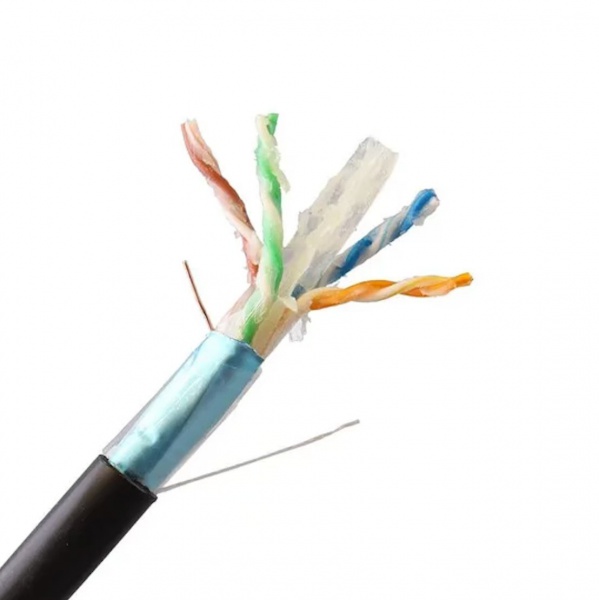

Extension Usb Printer Cable 26AWG Shielded High Speed Cable 2.0
1. Place of Origin: China
2. Brand Name:Hoton Link
3.Minimum Order Quantity:1000pcs
4. Delivery time:5-25 Days
5.Payment Terms: 30%TT as deposit,70%Balance before shipping.
Long press to look detail
Long by picture save/share
INQUIRY

在线询盘 MORE+
  • 联系人 *

  • 手机 *

  • 描述

  • Submit

  • Security Code
    Refresh the code
    Cancel
    Confirm

Inquiry Content:


You have no items to require

Add Successfully

Contact us

0086-755-23002989

 info@hotonlink.com

 hotonlink

 0086-18123718803

Room 506, 5th floor No.48 Huaide South Road,Cuigang Industrial Zone 4,Fuyong Street,Baoan Shezhen China 

(Post Code:518100)

Service

Support

Downloads

Company

About Us

Contact Us


Professional Cable Manufacturer Copyright © Shenzhen Hoton Link Technology Co.,Ltd;All Rights Reserved.

Online
TOP
Online
Online Contacts Qrcode
Tel
+86-755-23002989
Whatsapp
+86-18123718803
E-mail
info@hotonlink.com
QQ
3677965196
Wechat
hotonlink
Working Hours
Monday-Sunday
Qrcode
Scan me
Qrcode
Add me
TOP
添加微信好友,详细了解产品
使用企业微信
“扫一扫”加入群聊
复制成功
添加微信好友,详细了解产品
我知道了