High-Speed USB 2.0 Aluminum Printer Cable Cord PVC Jacket Braid Shielding Samsung Available 1m 1.5m 2m 3m USB Type Male B Male
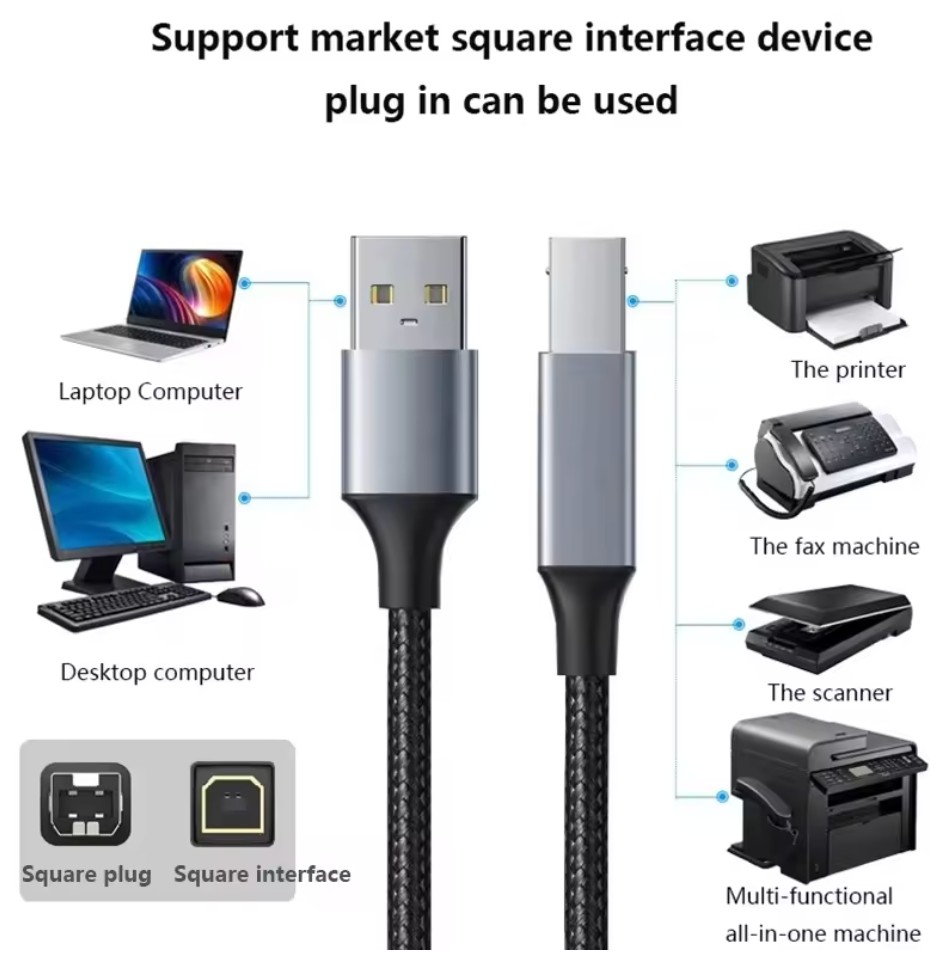
This is the standard for direct connection between a computer and a personal or small office printer.
Specifications:
Common Type: USB 2.0 Type-A to Type-B. The square connector (Type-B) goes into the printer.
Newer Type: USB 3.0 Type-A to Type-B (usually with a blue plastic insert) or modern printers with USB-C.
Data Transfer: USB 2.0 offers up to 480 Mbps, which is more than sufficient for most print jobs.
Length: Limited to 5 meters (16 ft) for reliable communication without a signal booster. Longer cables can cause data errors.
Advantages:
Plug-and-Play Simplicity: Universally recognized by modern operating systems. Drivers are often installed automatically.
- Widespread Compatibility: The de facto standard for consumer and small office printers.
- Power Delivery: Can provide a small amount of power (usually 5V) for printer logic boards, though not for the printing mechanism itself.
Applications:
Home Offices & Personal Use: Connecting a single computer directly to a printer (inkjet, laser, all-in-one).
- Point-of-Sale Systems: Directly attaching a receipt or label printer to a register.
- Direct Printing for Specialty Printers: Used with photo printers, 3D printers, or plotters for a dedicated, stable connection.
2. Ethernet (RJ-45) Network Cable
This is for connecting a printer to a Local Area Network (LAN), making it accessible to multiple users.
Specifications:
Connector: Standard RJ-45 (8P8C).
- Cable Category: Cat5e, Cat6, or Cat6a are most common, supporting speeds from 100 Mbps to 1 Gbps+.
- Protocols: Uses standard networking protocols (TCP/IP) for communication.
Advantages:
Network Sharing: The primary advantage. Once connected and configured, the printer can be used by any device on the same network.
- Stability & Distance: More stable than Wi-Fi for high-volume or large-file printing. Cable runs can be up to 100 meters.
- Centralized Placement: The printer can be placed in a convenient shared location, not tethered to a specific computer.
- Reduced PC Dependency: The host computer does not need to be on for others to print (unlike simple USB sharing).
Applications:
Small to Large Offices: The standard solution for shared workgroup or department printers.
- Enterprise Environments: Integrated into corporate IT networks with managed print services.
- Networked Multifunction Printers: For devices that need to offer scanning-to-email or network folders.
3. Legacy & Specialty Cables
Parallel (IEEE 1284/Centronics): The thick, 36-pin cable used with older printers (pre-2000s). Very slow by today's standards, now obsolete for new installations.
Serial (RS-232): A 9 or 25-pin cable used for industrial, point-of-sale, or legacy system communication, prized for its long-distance reliability in noisy environments.
Wi-Fi (Wireless): Not a physical cable, but a critical connectivity option. Modern printers almost always include Wi-Fi (and often Ethernet) for cable-free network access from computers and mobile devices.
Cable Type | Best For... | Key Advantage | Limitation |
|---|
USB | A single user, simple setup, personal printers. | Universal compatibility, plug-and-play. | Tied to one host computer for sharing. |
Ethernet | Offices, workgroups, shared access. | Network accessibility, stability, centralized. | Requires a network port and initial setup. |
Wi-Fi | Cable-free convenience in homes/offices. | Mobility, no cables, easy for laptops/phones. | Can be less stable, subject to interference. |
General Advice: For a new installation, if the printer has an Ethernet port, using it is almost always the best practice for reliability and multi-user access. Use USB for a dedicated, simple connection to a single PC.
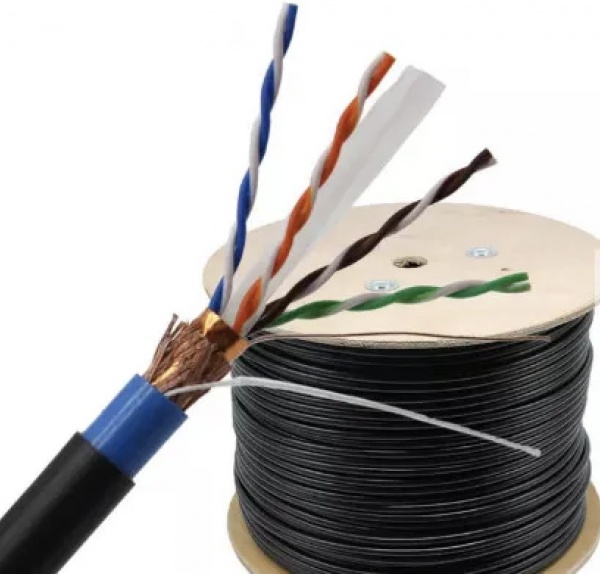
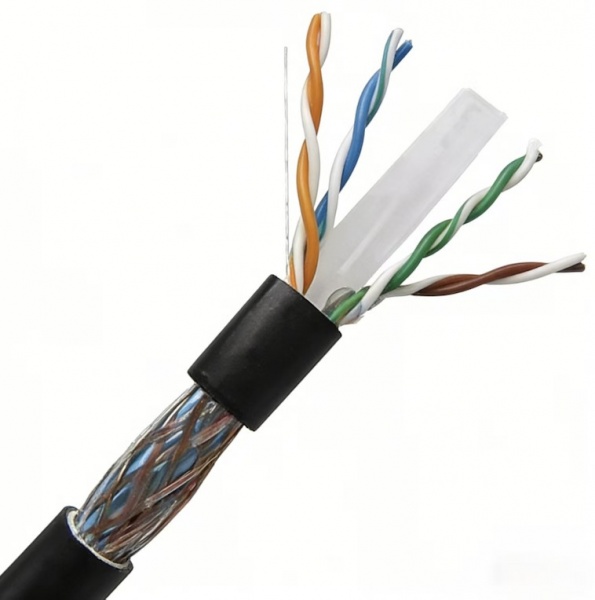
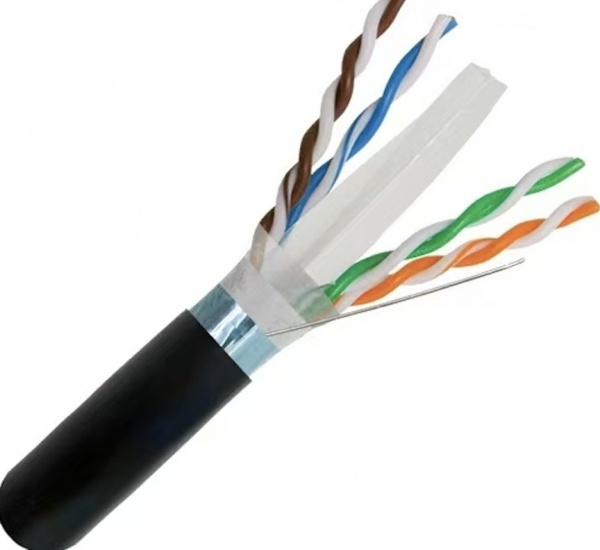
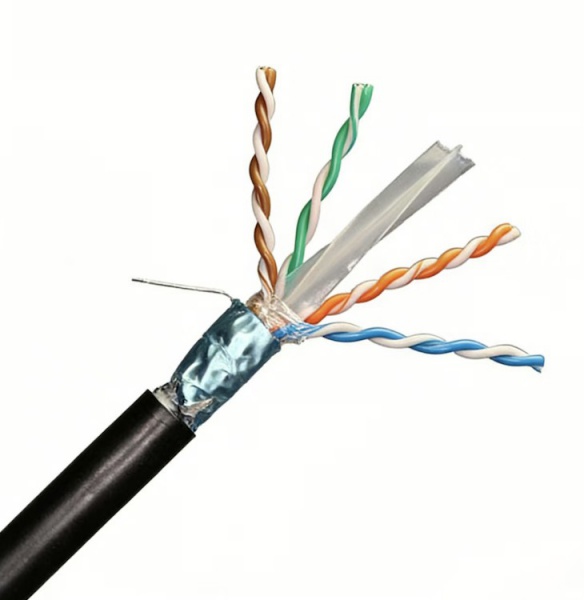
 External FTP CAT6 Data Cable with Jelly Filled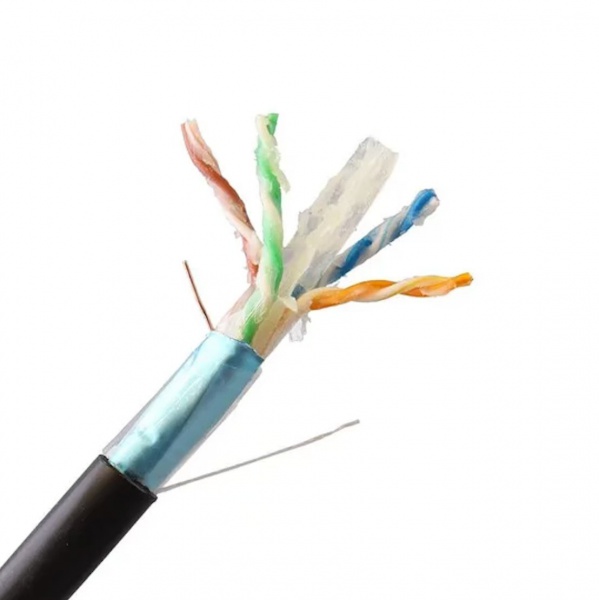







 0086-755-23002989
 info@hotonlink.com
 hotonlink
 0086-18123718803
 Room 506, 5th floor No.48 Huaide South Road,Cuigang Industrial Zone 4,Fuyong Street,Baoan Shezhen China